Black Friday Email Templates: The 6 Emails to Send and What Each Says
Black Friday email templates for small shops: six ready-to-edit examples, subject lines, preview text, and a simple way to shorten your sale sequence.
By Holiday Promo Playbook by Cosmo Suite · Editorial policy
Published · 9 min read
If you searched for Black Friday email templates, the hard part may be getting the first draft started. These six examples give you somewhere to begin, and you can choose only the messages that fit your offer, your list, and the time you have to prepare them.
Black Friday falls on November 27 in 2026. That gives a small shop a clear date to plan around, while the send windows in this article remain suggestions. The examples use brackets for details you should replace with your own. A gift guide, bundle, or product feature can take the place of a discount.
Key takeaways
- Choose only the messages that give your customers useful information.
- Fill in the offer, terms, and dates before you schedule a template.
- Use a last-call email only for a real deadline.
- A Black Friday message can feature products at regular price.
The six Black Friday emails at a glance
The six messages each have a different job: set context, offer a choice, open the promotion, answer a question, state a real deadline, or close the loop. Use the table to choose a sequence that matches your shop.
| Its job | Suggested window | Skip it when | |
|---|---|---|---|
| Teaser | Tell subscribers what is coming | A few days before your offer | You have nothing specific to preview |
| Early access | Give a defined group an earlier look | Before the public launch | Everyone receives the same offer at the same time |
| Launch | Explain what is available and how to shop | When the offer starts | You are not running an offer or special feature |
| Reminder | Clarify a detail or point to an option | During the promotion | It would repeat the launch without new information |
| Last call | State a genuine closing time | Before the actual end | There is no real deadline |
| Thank-you | Acknowledge customers and explain what happens next | After the promotion | You have no useful update to share yet |
Treat those windows as planning prompts. Pick the messages first, then put them on dates that fit your shop. The holiday marketing calendar with plan-by dates can help you place this work beside the other seasonal dates you plan to cover.
Set the details before you write
Before drafting, decide what the reader should do after opening the email. Your answer might be to browse a gift guide, view a product, use a code, or read about a bundle. Keep that action consistent in the subject, the message, and the link.
Write down the facts the copy needs: the items included, the price or offer terms, when it starts and ends, any exclusions, and the page the link should open. If you are featuring products at regular price, say what the feature helps the reader find. You can use a Black Friday plan for a one-person shop to coordinate copy with the other work around the weekend.
You can also start with a holiday promotion kit with written emails and planning sheets, then adapt the details to your shop before you send anything.
1. Teaser email: say what is coming
A teaser gives subscribers a reason to look for a later message. It should identify the event or product category without implying that an offer exists before you have chosen its terms.
Subject: A Black Friday note for [shop name] customers
Preview: We will share [what is coming] on [date].
Email:
Hi [first name],
I am getting a Black Friday feature ready for [shop name]. On [date], I will share [the products, gift guide, bundle, or offer] and the details for how to [shop, browse, or take part].
If you are looking for [kind of product or gift], keep an eye out for the next note. I will include the dates and terms there so you can decide whether it suits you.
[Shop name]
Give the teaser one specific detail. If you have not settled the offer, tell subscribers what information the next message will contain.
2. Early-access email: make the choice clear
An early-access email is for subscribers who can act before a wider launch. State who receives access, when it opens, and whether the terms differ from the public offer.
Subject: Early access to [specific offer or collection]
Preview: Your link opens [date and time, including time zone].
Email:
Hi [first name],
You are receiving this because [why this group has early access]. You can view [specific products or offer] starting [date and time with time zone], before [public launch detail, if applicable].
The offer is [plain terms]. It ends [date and time] / remains available through [date or condition]. You can see the details here: [link].
If early access does not fit your schedule, the public information will be available [when and where].
[Shop name]
Use this message only when the earlier access is real. If everyone can shop at the same time, make this the launch email instead. Do not add a scarcity claim to make access sound more limited than it is.
3. Launch email: explain the offer in one pass
The launch email should let a reader understand what is available, what it costs, and what to do next without searching through several messages.
Subject: Now available: [offer, collection, or gift guide]
Preview: [One useful detail about the items or terms].
Email:
Hi [first name],
[Offer, collection, or gift guide] is now available from [shop name]. It includes [specific items or benefit], for [price or clear terms], through [end date and time with time zone, if there is one].
If you are shopping for [recipient or need], start with [specific product or category]. You can see the details and decide what fits here: [link].
[State any exclusions, code instructions, or other condition in plain language.]
Thanks for taking a look,
[Shop name]
If you are not discounting, replace “offer” with the actual feature. A gift guide or product collection can be the reason to browse. Keep the price and the promise accurate on the page linked from the email.

4. Reminder email: add something useful
A reminder earns its place when it answers a question or highlights an option the launch email did not explain. It can restate an end date, point out what is included, or help a customer choose between products.
Subject: A closer look at [product, bundle, or offer detail]
Preview: [Answer a common question or explain one useful feature].
Email:
Hi [first name],
If you are still deciding about [offer or product], here is one detail that may help: [specific detail about what is included, who it suits, or how to choose].
[Explain the detail in one or two sentences. If there is a real deadline, say when it ends and include the time zone. If there is no deadline, omit this sentence.]
You can review the full details here: [link].
[Shop name]
Avoid sending a reminder just because the calendar says to. If the message has no fresh detail, you can leave it out and give the launch email more room to do its job.
5. Last-call email: use only a real deadline
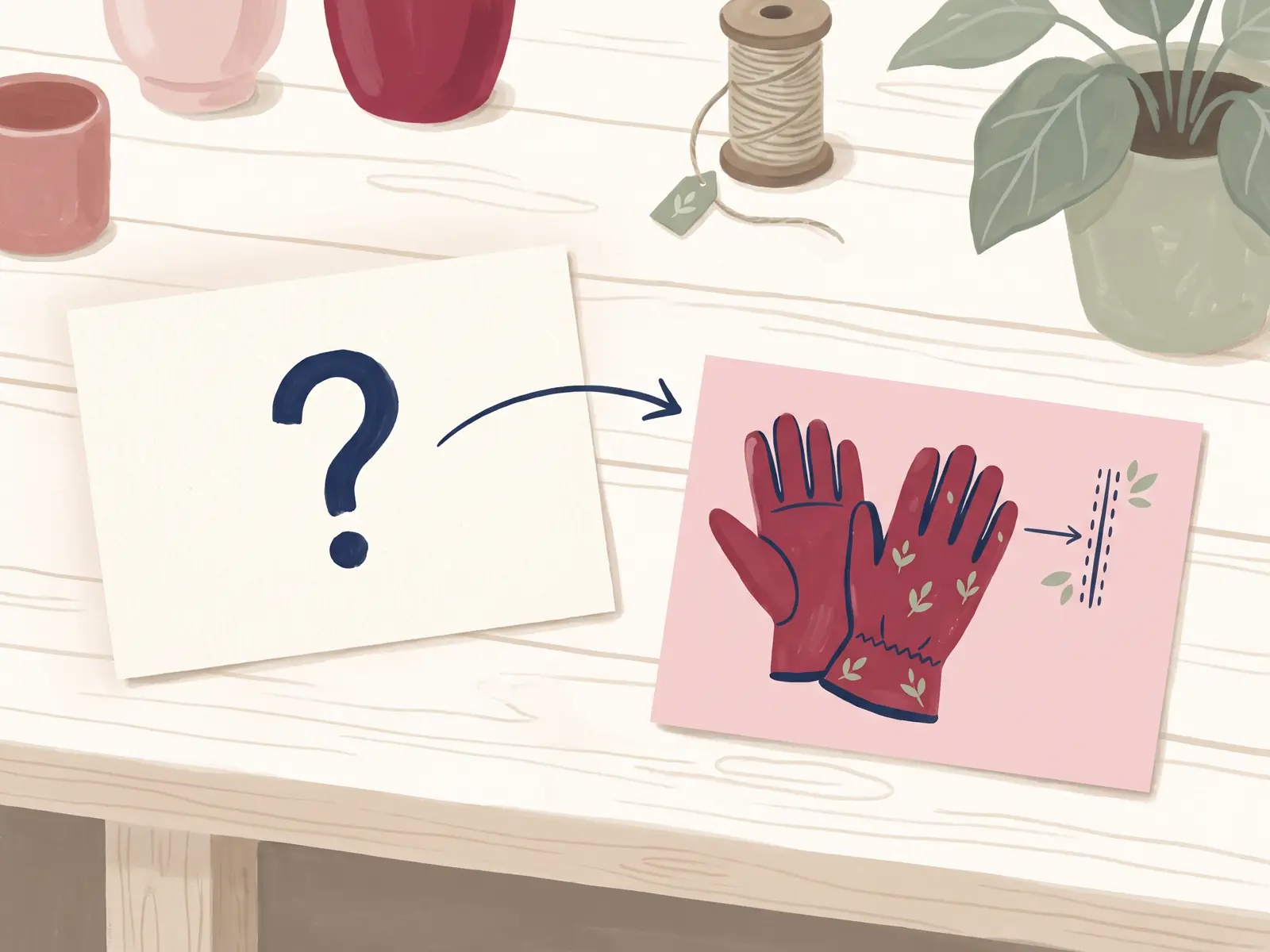
A last-call email is appropriate when an offer actually ends or an inventory limit is verified. The deadline should match the terms on your site and the time zone readers will use.
Subject: [Offer] ends [day] at [time and time zone]
Preview: The terms and end time are here.
Email:
Hi [first name],
[Offer name] ends [day, date] at [time and time zone]. Until then, [plain description of what a customer can do or receive]. The offer applies to [items or exclusions].
If you planned to [shop, view the gift guide, or choose a bundle], the details are here: [link].
If you have already taken a look, thank you. No action is needed if it is not right for you.
[Shop name]
If the promotion continues beyond this point, remove “ends” and “last call.” You can send a reminder that describes the current offer without suggesting it will disappear.
6. Thank-you email: close the promotion cleanly
A thank-you email closes the event and tells readers what to expect next. Send it to the audience it makes sense for, and do not turn the message into a second sales pitch by default.
Subject: Thank you for being part of [shop name]'s weekend
Preview: A quick note about [orders, the next update, or what happens now].
Email:
Hi [first name],
Thank you for spending time with [shop name] this Black Friday. If you placed an order, [state the accurate next step, such as where order updates will arrive]. If you did not, I am glad you stopped by.
[Optional: mention one true detail about the next seasonal update, such as a gift guide or shop schedule.]
You can find [relevant page or contact method] here: [link].
Thanks,
[Shop name]
Only describe order timing or fulfillment if you have checked it. A short thank-you is enough; you do not need to invent a milestone or claim that the weekend was a success.
How to shorten the sequence
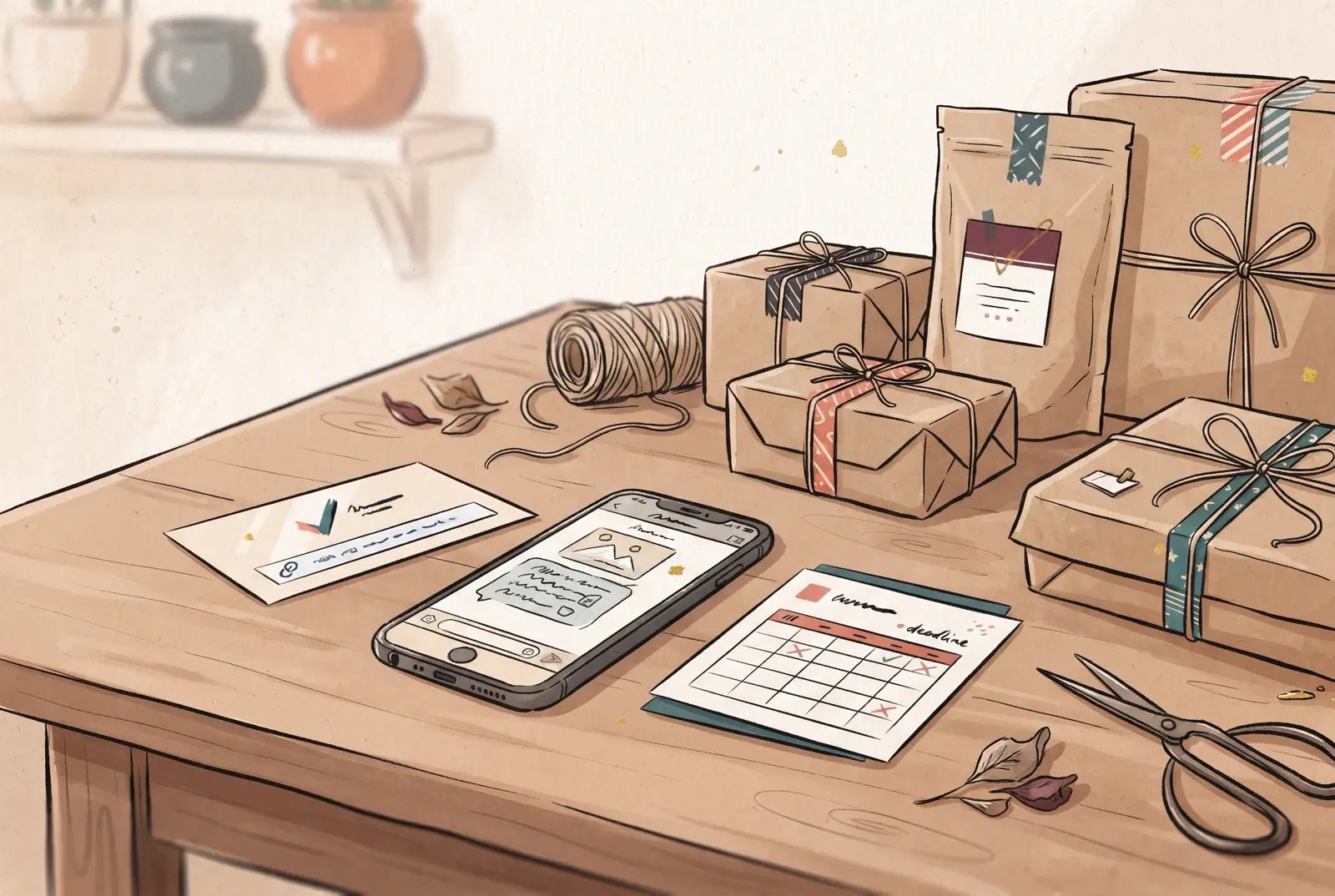
You can use fewer than six emails. A simple version is a launch email, one reminder with a useful detail, and a thank-you after the promotion. Add a teaser if subscribers need context, or early access if you have made that option available to a defined group.
For each draft, ask whether it adds information. If two messages say the same thing, keep the clearer one. If you do not have a real deadline, remove the last-call message. If you are not offering a discount, explain the product, bundle, or gift guide instead.
The suggested timing depends on your own launch date and list. Black Friday is Friday, November 27, 2026, and Thanksgiving is Thursday, November 26, according to the Office of Personnel Management's 2026 holiday schedule. Use your own customer history and shop schedule to choose when messages make sense.
Check each email before scheduling
Before a message goes out, compare its subject, preview, body, offer, and destination page. Confirm the product and price, check every link, and verify that any code works. Put exclusions and end dates where readers can see them.
For U.S. commercial email, the Federal Trade Commission's CAN-SPAM guide for businesses says subject lines must accurately reflect the message. It also covers sender information, advertising identification, a postal address, and opt-out requirements. Rules can depend on where you and your recipients are, so check the current requirements that apply to your shop and email service.
Read the message once on a phone. Make sure a reader can tell what is available, who it is for, and what happens after they follow the link. Then remove any deadline or claim you cannot confirm.
How Holiday Promo Playbook fits
Holiday Promo Playbook includes a Black Friday and Cyber Monday pack with written emails, SMS texts, Canva posts, and a launch checklist. The kit also includes a Master Holiday Promo Calendar and an E-commerce Deals Planner. It gives you materials to edit; it does not send messages or publish posts for you.
The examples here are a starting point for your own offer and audience. If you want holiday email and promotion materials alongside planning sheets, review the contents and choose what to adapt for your shop.
Why trust this article
Holiday Promo Playbook by Cosmo Suite publishes planning guidance for small shops. We checked the Black Friday date against the Office of Personnel Management's 2026 holiday schedule and email guidance against the Federal Trade Commission's CAN-SPAM guide on November 2, 2026. The send windows are editorial suggestions, not required dates or delivery promises. See who makes Holiday Promo Playbook and the site's editorial policy.
Frequently asked questions
What emails should I send for Black Friday?
A small shop can choose from a teaser, early-access note, launch email, useful reminder, genuine last call, and thank-you. Treat them as options. Send only the messages that add information for your customers and fit your shop's list and schedule.
When should I send Black Friday emails in 2026?
Black Friday is November 27, 2026. Work backward from your own offer dates and customer habits. The suggested windows in this article are planning prompts, not required send dates or shipping deadlines.
How many Black Friday emails should a small business send?
There is no required number. You could send a launch email and one reminder, then a thank-you after the promotion. Add a teaser or early-access message only if it gives subscribers a real choice or useful detail.
What should a Black Friday email subject line say?
Describe what the email contains. Name the offer, gift guide, product feature, or event, and use a deadline only when it is real. The FTC's CAN-SPAM guide says a commercial email's subject line must accurately reflect its content.
Can I send Black Friday emails without offering a discount?
Yes. You can feature a gift guide, product bundle, early access, or a product detail at its regular price. Explain what customers can see or do, and avoid wording that suggests a markdown when there is none.
What should I include in a Black Friday launch email?
State what is available, who it may suit, the exact terms, and one clear next step. Check the price, dates, product details, and destination link before sending. Keep any restrictions close to the offer.
Should I send a last-chance Black Friday email?
Send one only when the offer has a real end time or a verified limit. State the deadline and its time zone plainly. If the offer continues unchanged, send a useful reminder without calling it the last chance.